
 BACKGROUND REMOVER · iOS 17+
Cutouts that survive hair.
The cheap apps smear fur, flyaway strands and fine edges. SnipOut runs a proper segmentation model on your iPhone, gives you a brush for the last 5%, then stages the result — studio backgrounds, shadows, outlines, colour. Full-resolution PNG at the end. No watermark, no upload, no account.
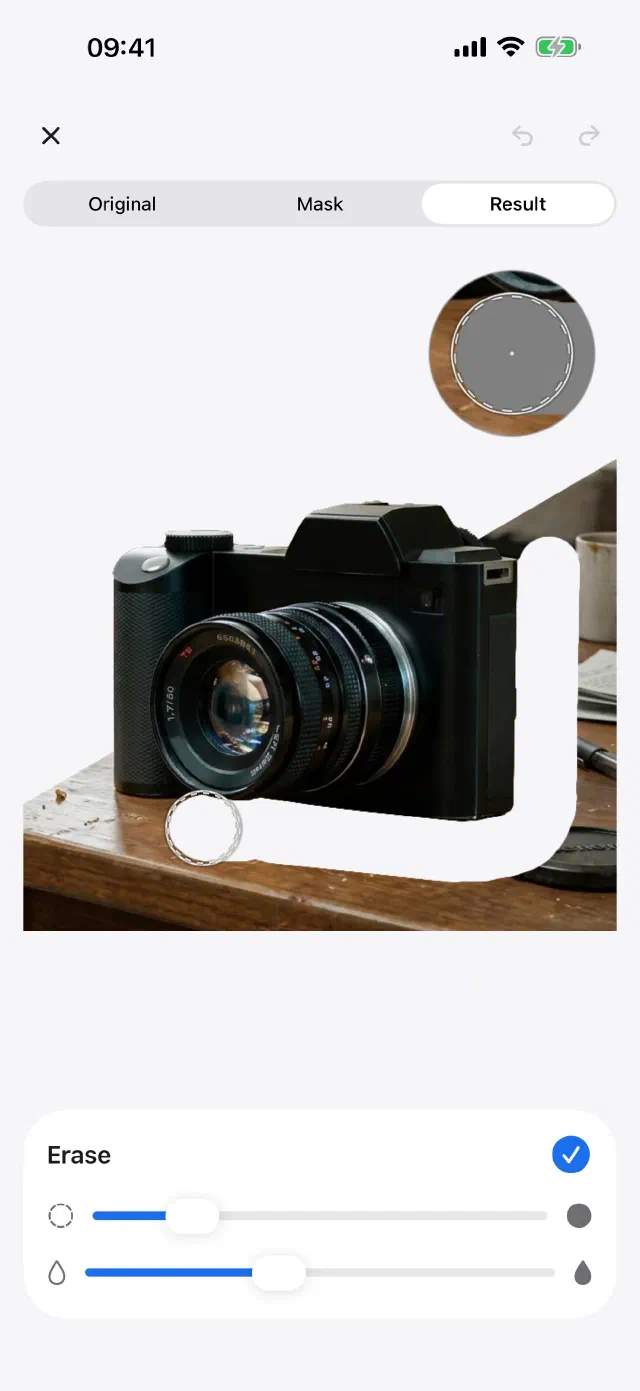
Three things it does properly.
The rest is just the studio around them.
Edges that hold up
A converted high-accuracy segmentation model runs entirely on-device — tuned for hair, fur and semi-transparent edges rather than easy silhouettes.
Refine by hand
Pinch in and paint the mask back or away at pixel level, with a loupe that follows the brush. Every automatic tool gets one thing wrong; this is how you fix it in ten seconds.
Full-res, no watermark
Export at the original resolution as transparent PNG, straight to Photos or another app. Free exports every week, and never a watermark on them.
Then the studio takes over.
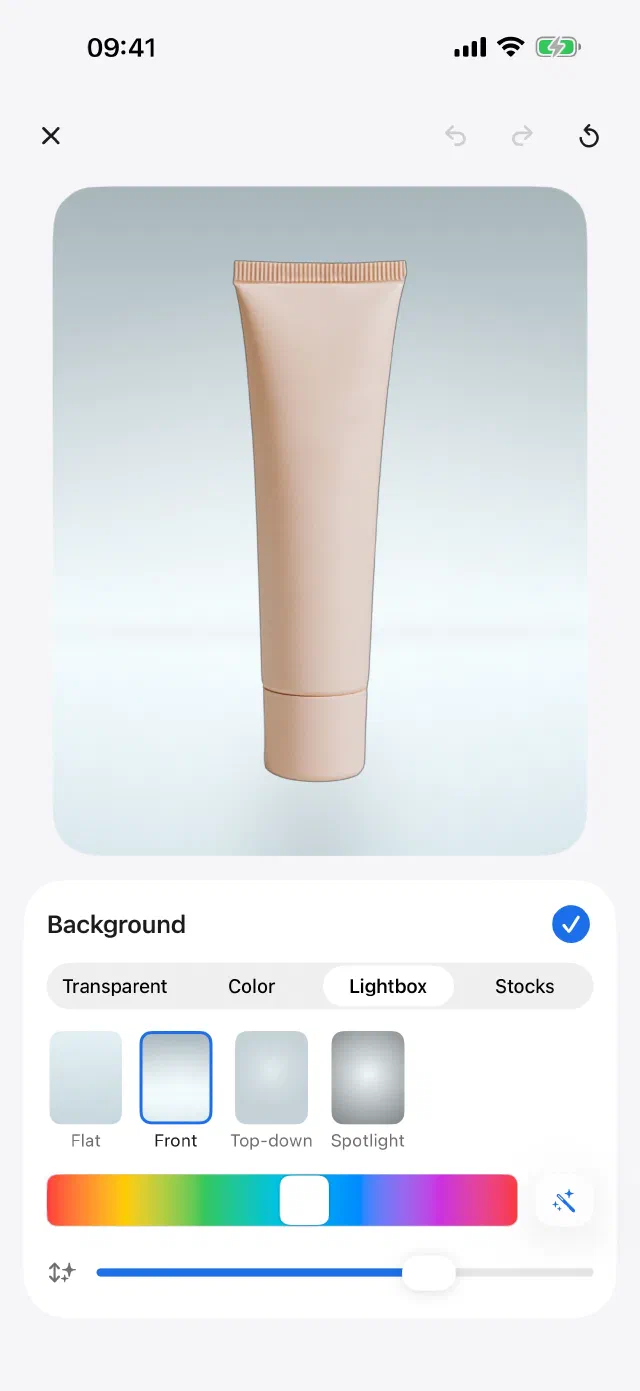
Any background you want.
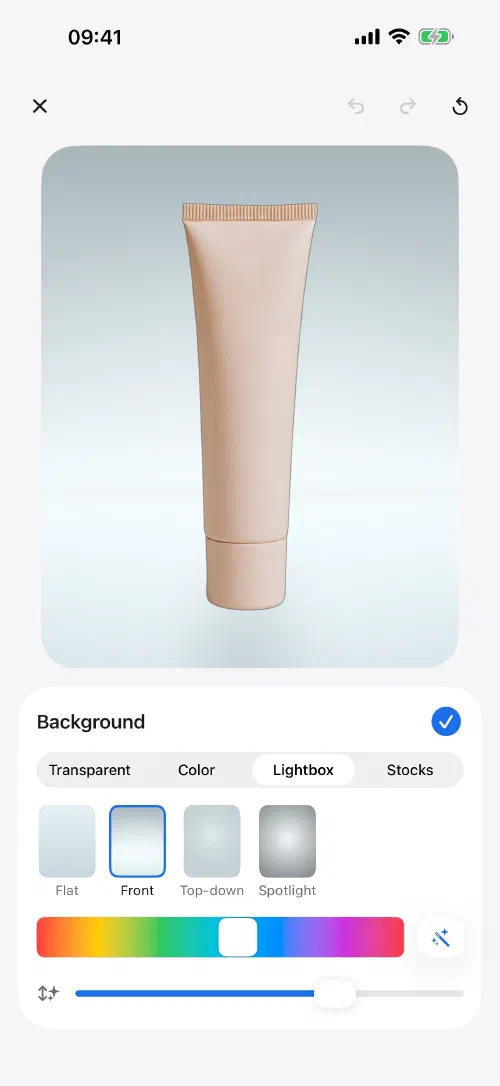
Leave it transparent, drop in a flat colour, or use a lightbox — studio geometry with front, top-down and spotlight lighting and a hue that picks itself. Pull a photo from your library or the stock picker and it gets colour-matched to the subject on-device.
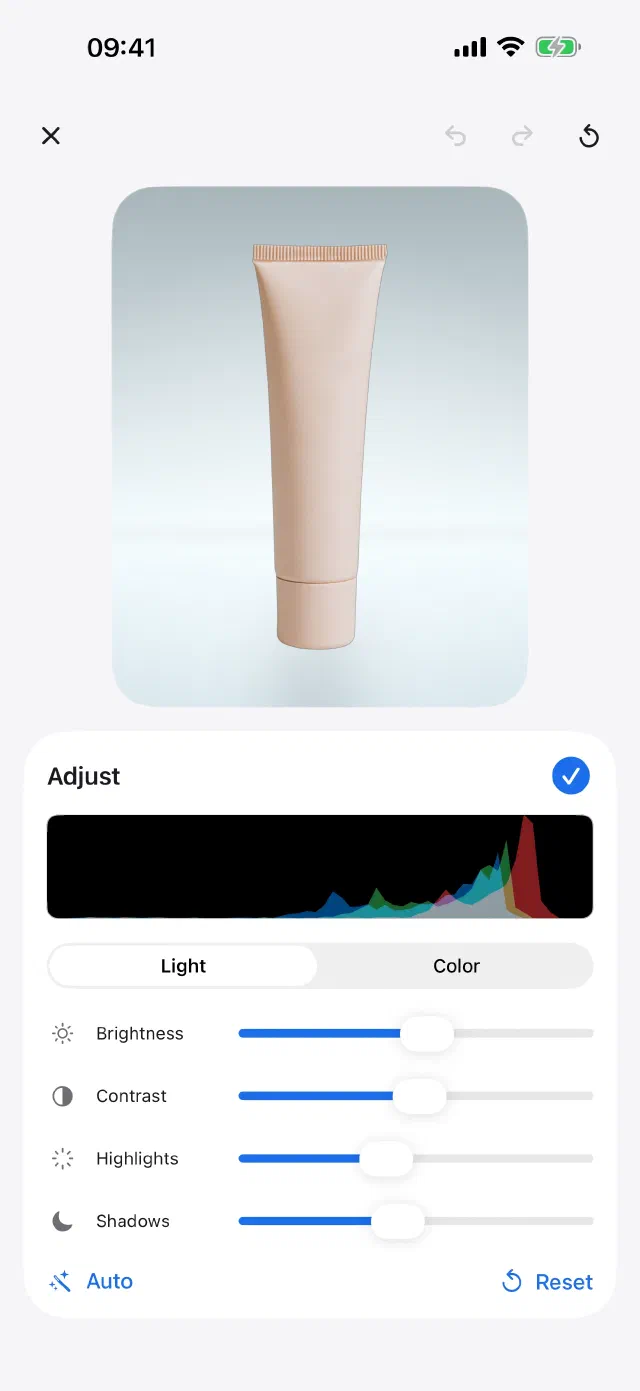
Colour that matches the scene.
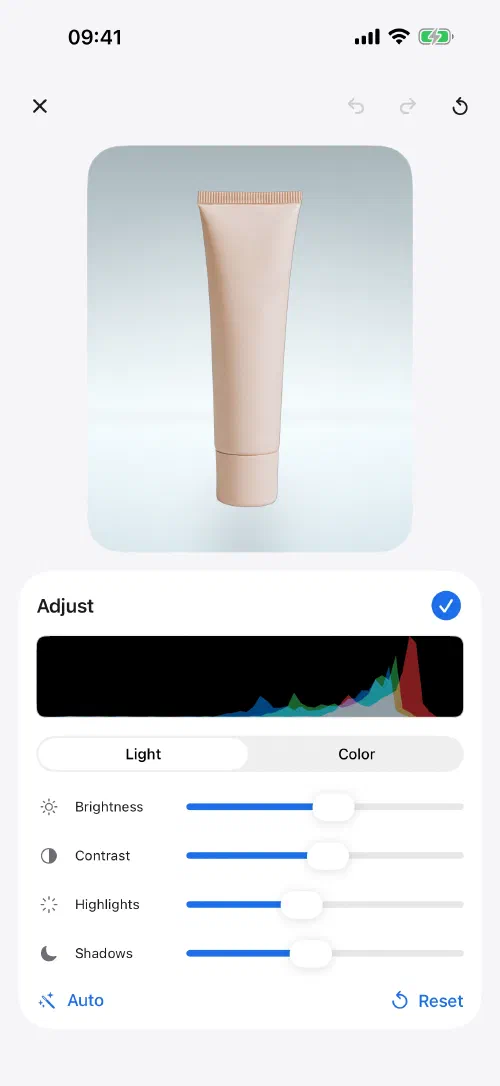
Temperature, brightness, contrast, saturation, highlights and shadows over a live histogram, split across Light and Colour. Auto re-runs the match in one tap; every slider stays yours to override.
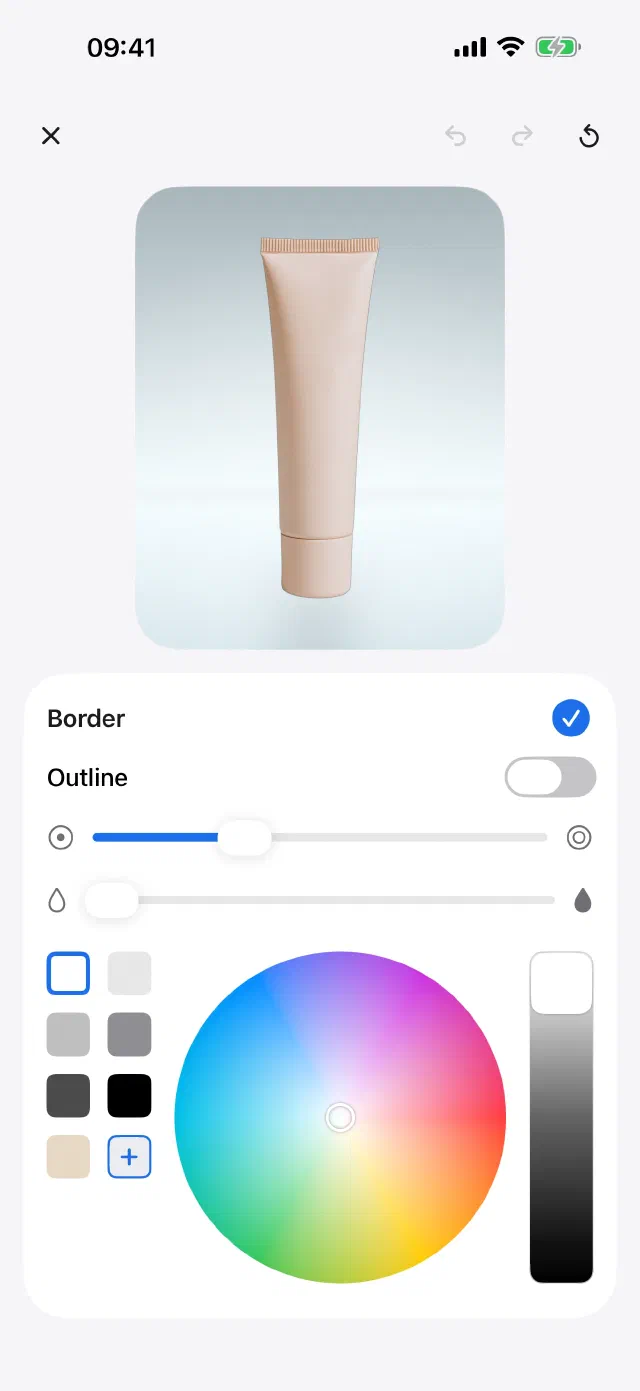
An outline when it needs one.
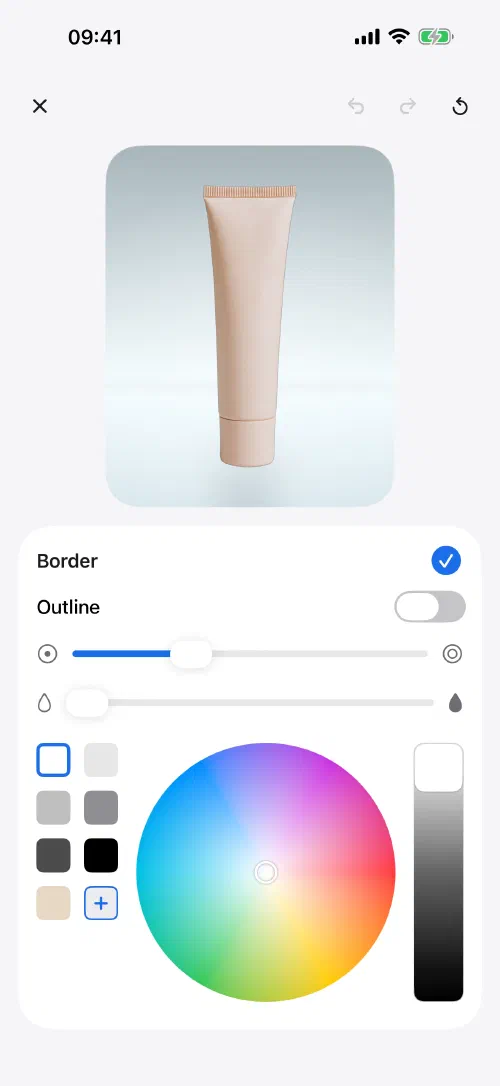
A sticker border on the subject itself — colour, width, and a smooth control that rounds the corners with a crisp edge instead of feathering it. Full colour wheel, or one of the saved swatches.
Your own sticker packs.
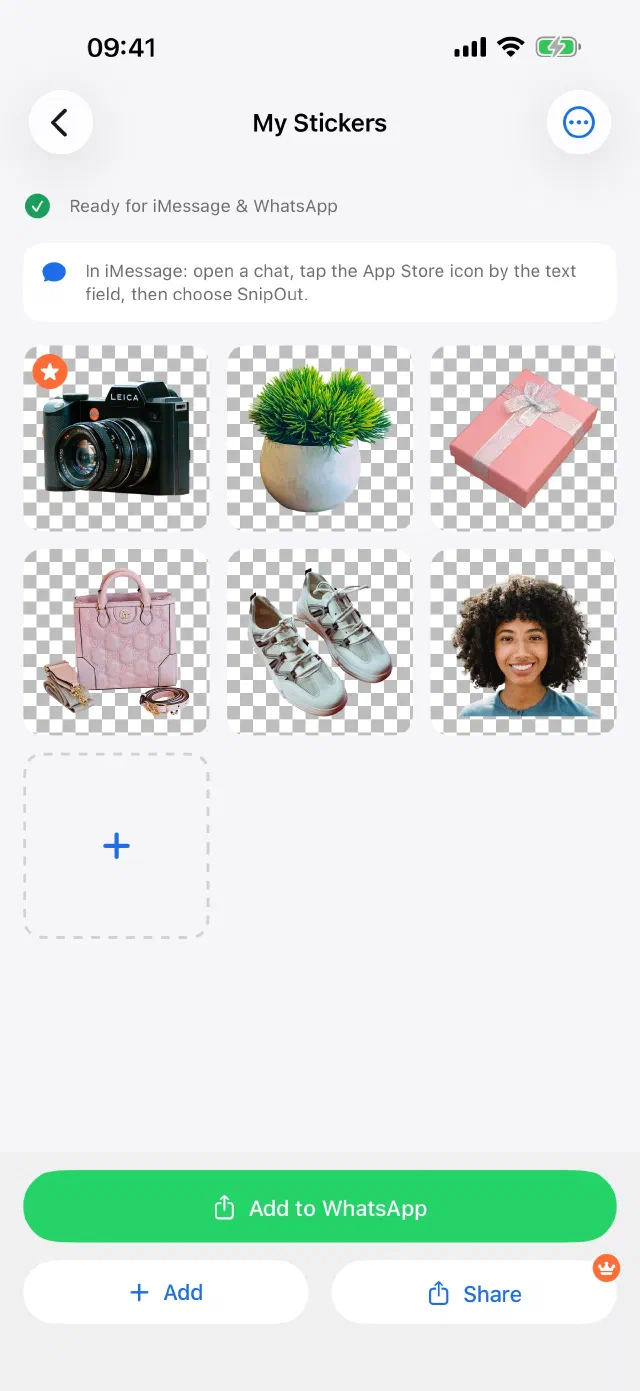
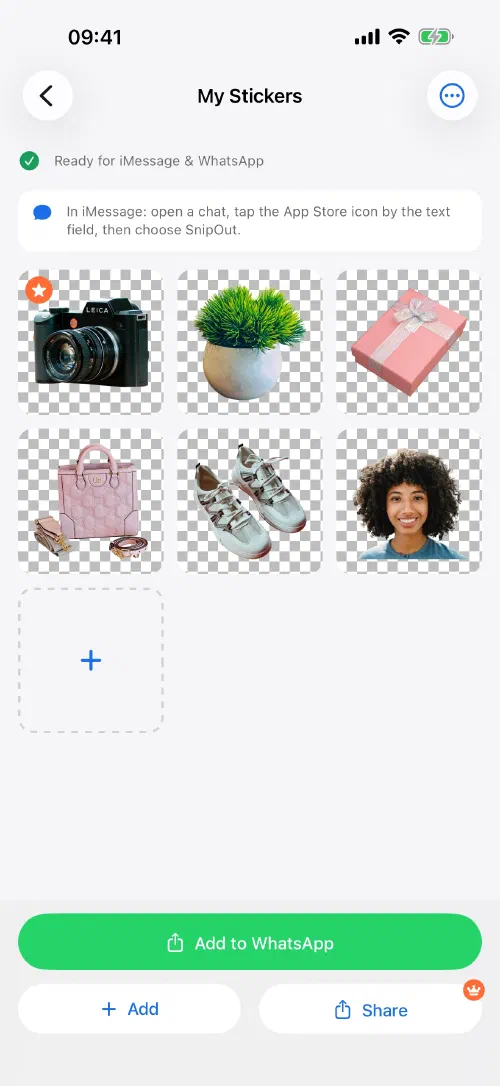
Collect cutouts into a pack and add it to WhatsApp, or send them straight from the iMessage app drawer. Same clean edges, same transparent PNG — just sized for a chat instead of a listing.
Any background you want.
Leave it transparent, drop in a flat colour, or use a lightbox — studio geometry with front, top-down and spotlight lighting and a hue that picks itself. Pull a photo from your library or the stock picker and it gets colour-matched to the subject on-device.
Colour that matches the scene.
Temperature, brightness, contrast, saturation, highlights and shadows over a live histogram, split across Light and Colour. Auto re-runs the match in one tap; every slider stays yours to override.
An outline when it needs one.
A sticker border on the subject itself — colour, width, and a smooth control that rounds the corners with a crisp edge instead of feathering it. Full colour wheel, or one of the saved swatches.
Your own sticker packs.
Collect cutouts into a pack and add it to WhatsApp, or send them straight from the iMessage app drawer. Same clean edges, same transparent PNG — just sized for a chat instead of a listing.
Try it on your worst photo.
Free to try, works offline, and nothing leaves your phone. If it can't handle your image, you've lost thirty seconds.