
 POST & STORY MAKER · iOS 17+
Your photos, ready to post.
Templates made for the posts a business actually needs — menus, price lists, sales, opening hours, before & after. Every one stays editable layer by layer, so when it doesn't quite fit your photo you adjust it instead of starting over. Your logo and colors go on once, then on every post.
Three things it does properly.
Built for the posts you make every week.
Templates for real posts
A catalog for menus, price lists, sales, opening hours, before & after, new arrivals and testimonials — in square, portrait, story and widescreen.
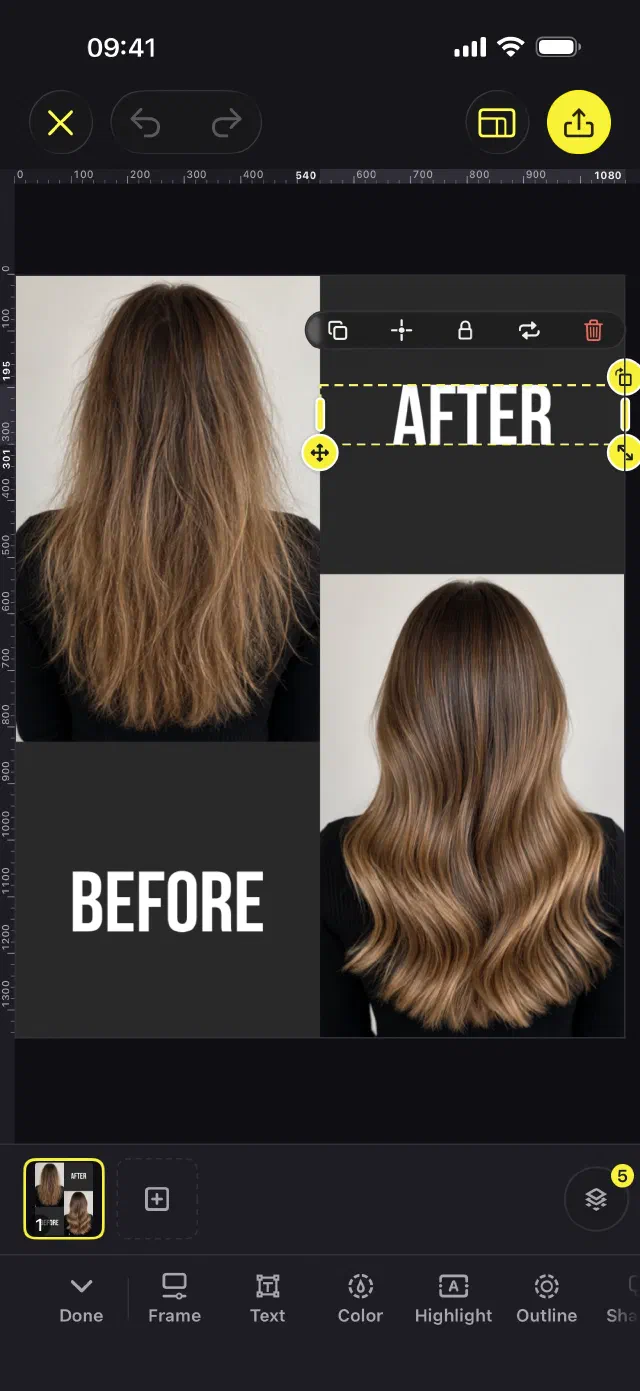
A full editor, layer by layer
Select, reorder, hide and show every layer. Text with a library of fonts, shapes, lines, icons and stickers, photo collages, crop, filters and color.
Your brand on every post
Save your logo, colors and fonts once in the brand kit. Templates made for brand colors pick up yours.
From template to posted.
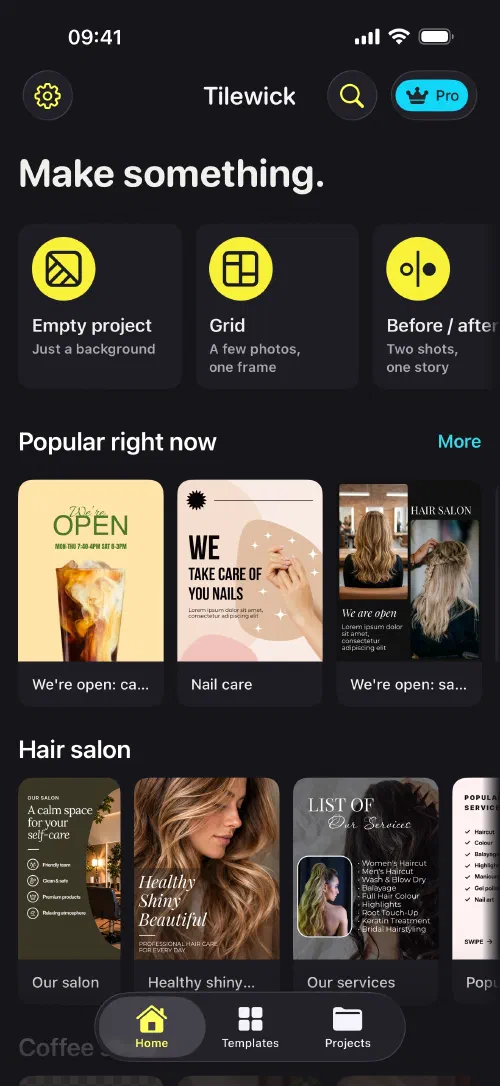
Pick a template.
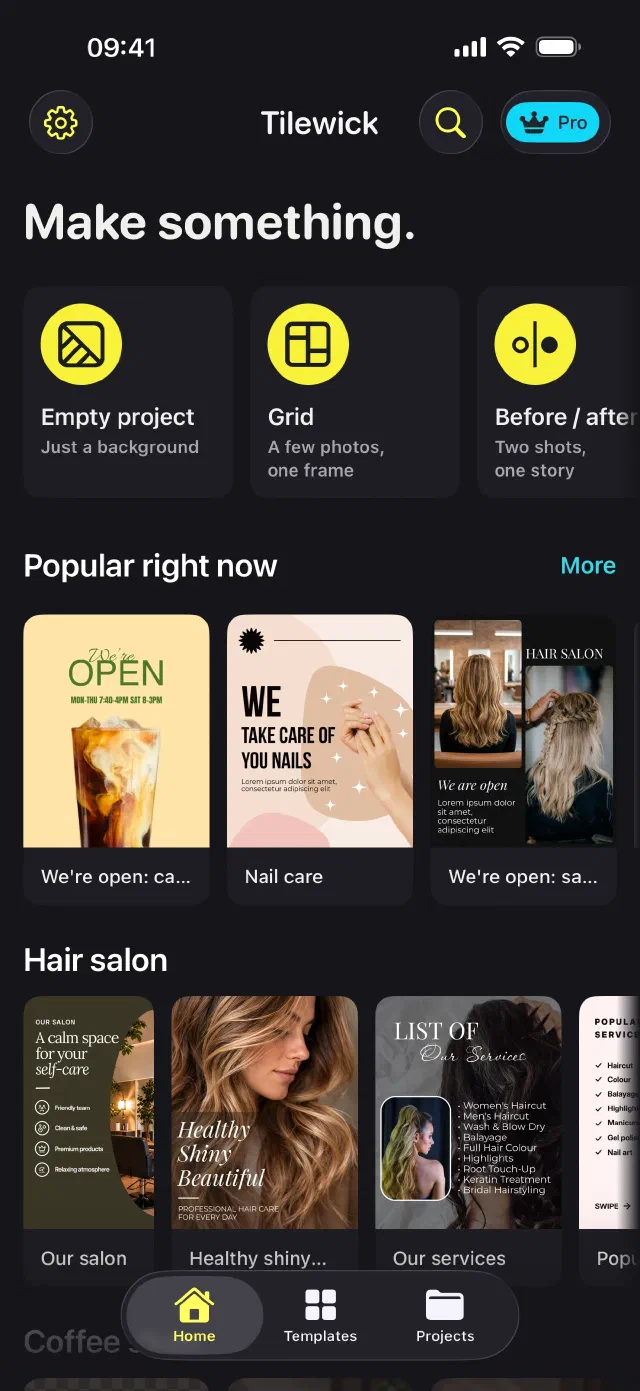
Browse by what you need to say — a menu, a price list, a sale, this week's hours — or by your kind of business. Square, portrait, story and widescreen.
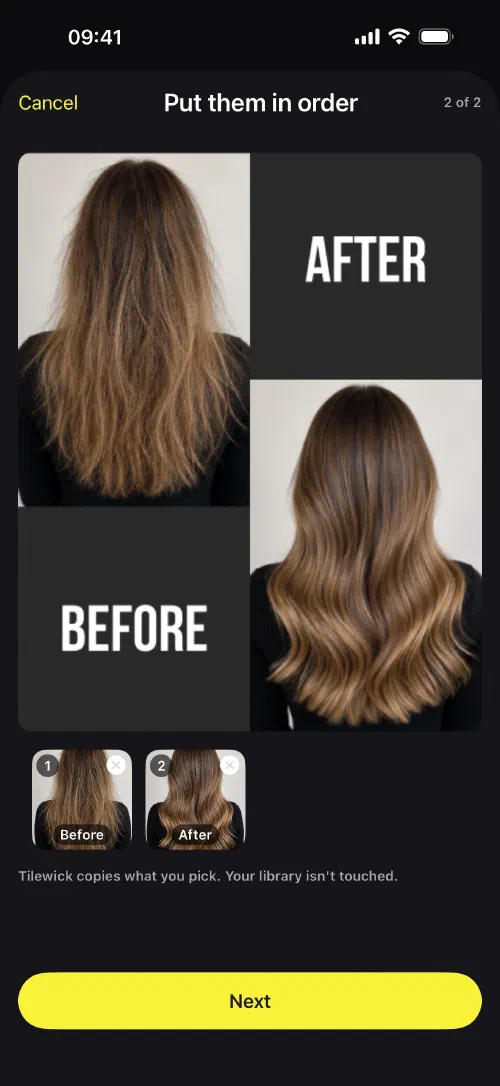
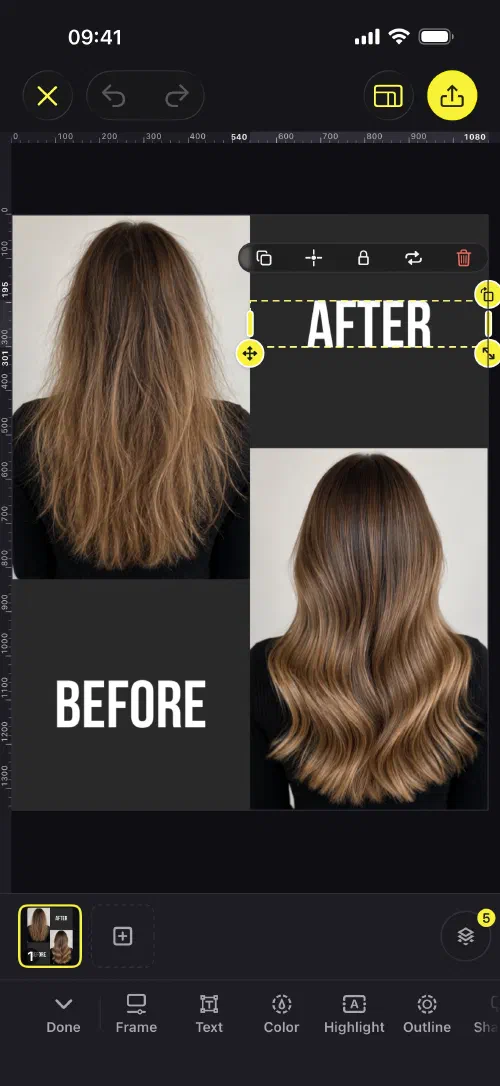
Make it yours.
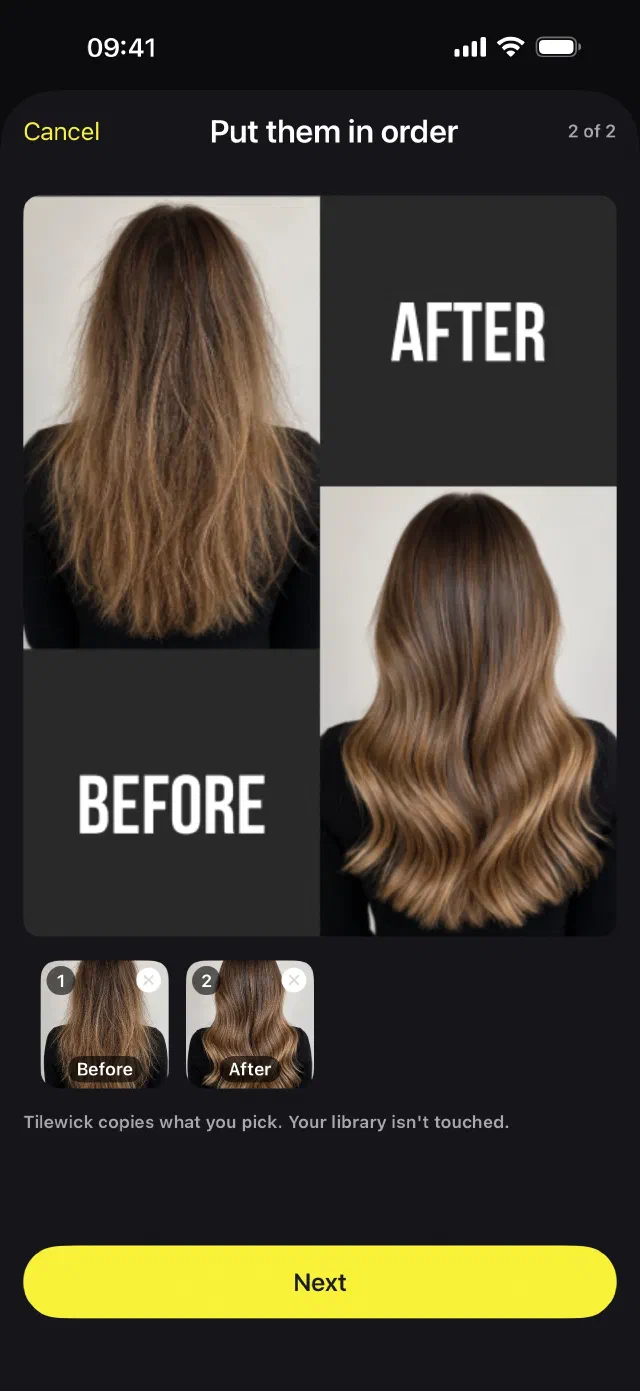
Swap in your photos and words, then adjust anything: move and resize layers, change fonts and colors, crop and filter photos, or cut out the background to lift a product off any shot.
Tell the whole story.
Build a multi-slide carousel and edit it slide by slide. Add a video clip and trim it — that slide saves as a movie.
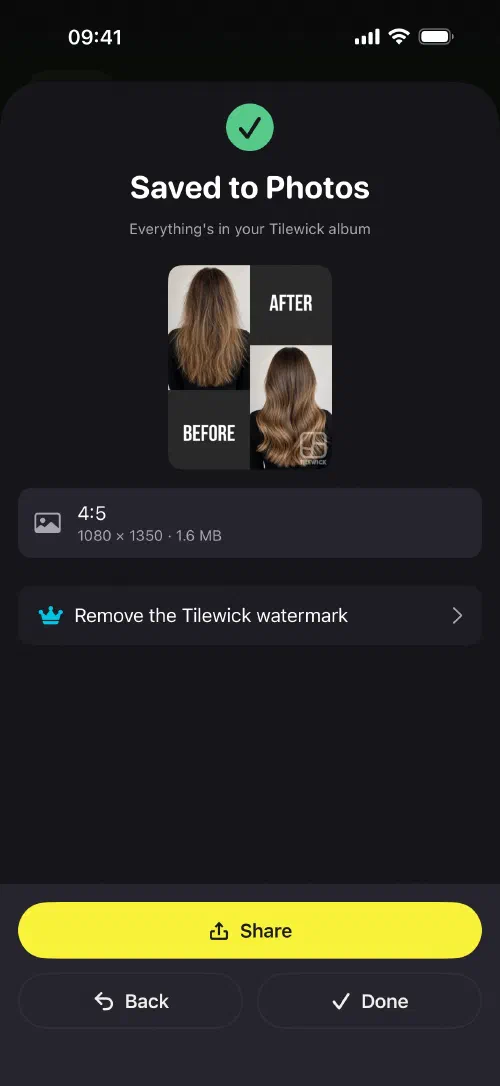
Save and share.
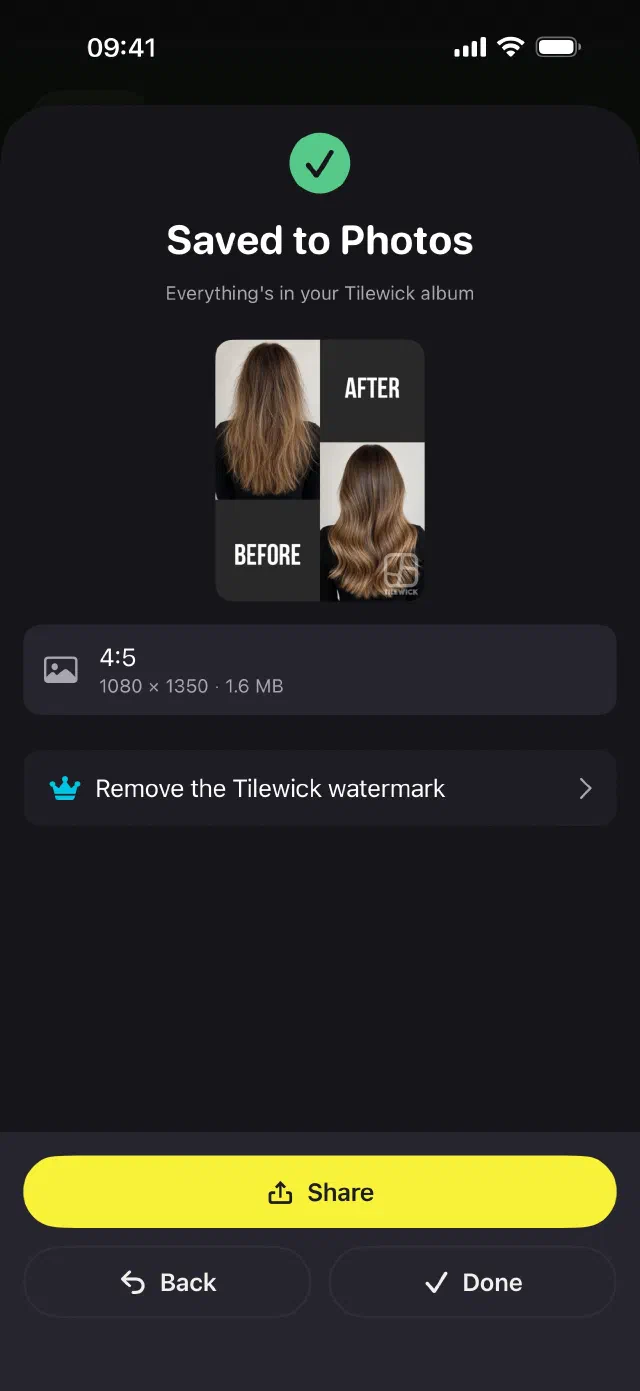
Save to Photos or share straight from the app. A carousel exports every slide, in order, and what you see in the editor is exactly what you export.
Pick a template.
Browse by what you need to say — a menu, a price list, a sale, this week's hours — or by your kind of business. Square, portrait, story and widescreen.
Make it yours.
Swap in your photos and words, then adjust anything: move and resize layers, change fonts and colors, crop and filter photos, or cut out the background to lift a product off any shot.
Tell the whole story.
Build a multi-slide carousel and edit it slide by slide. Add a video clip and trim it — that slide saves as a movie.
Save and share.
Save to Photos or share straight from the app. A carousel exports every slide, in order, and what you see in the editor is exactly what you export.
Make this week's post in a minute.
Free to try with three exports a week. Tilewick Pro removes the limit and the watermark, exports in high quality and unlocks every template and font.